GTA 6 Wallpapers: Free Original Vice City Art
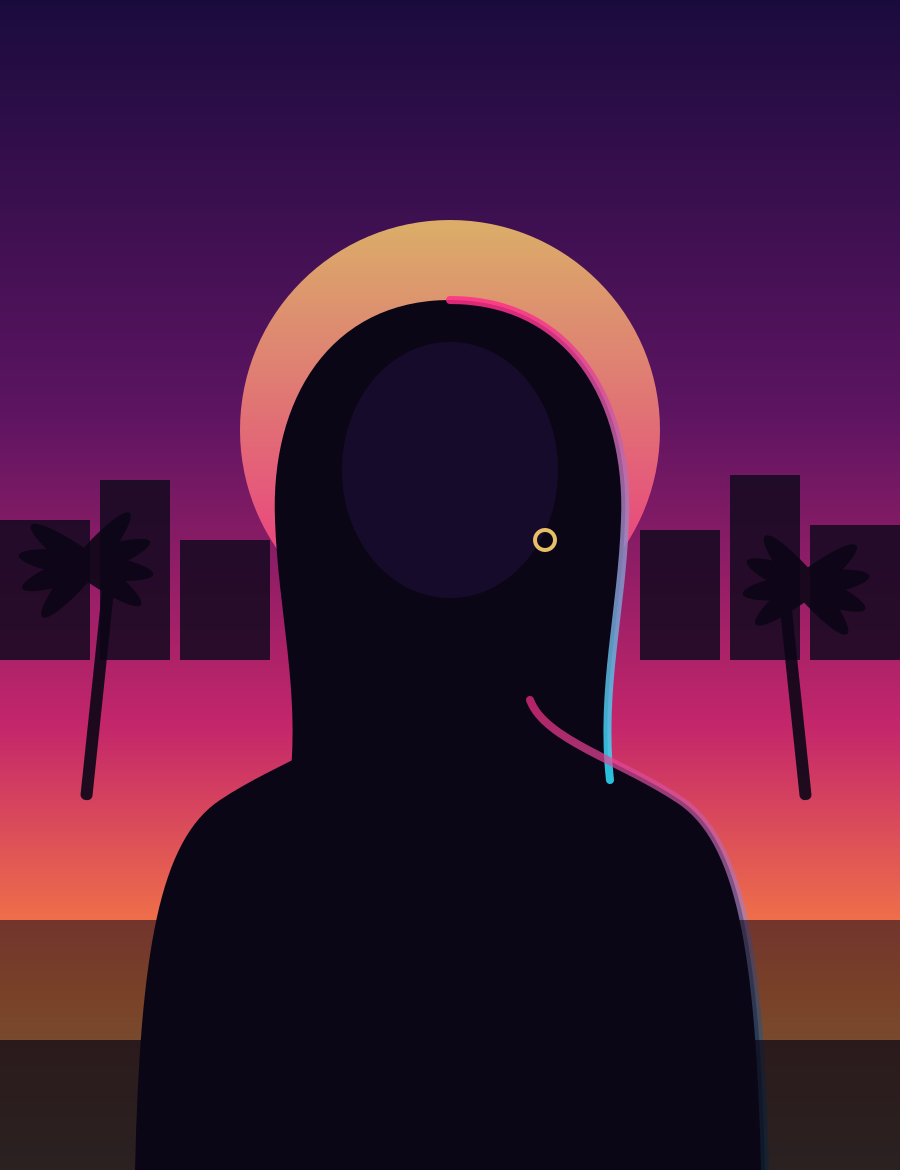
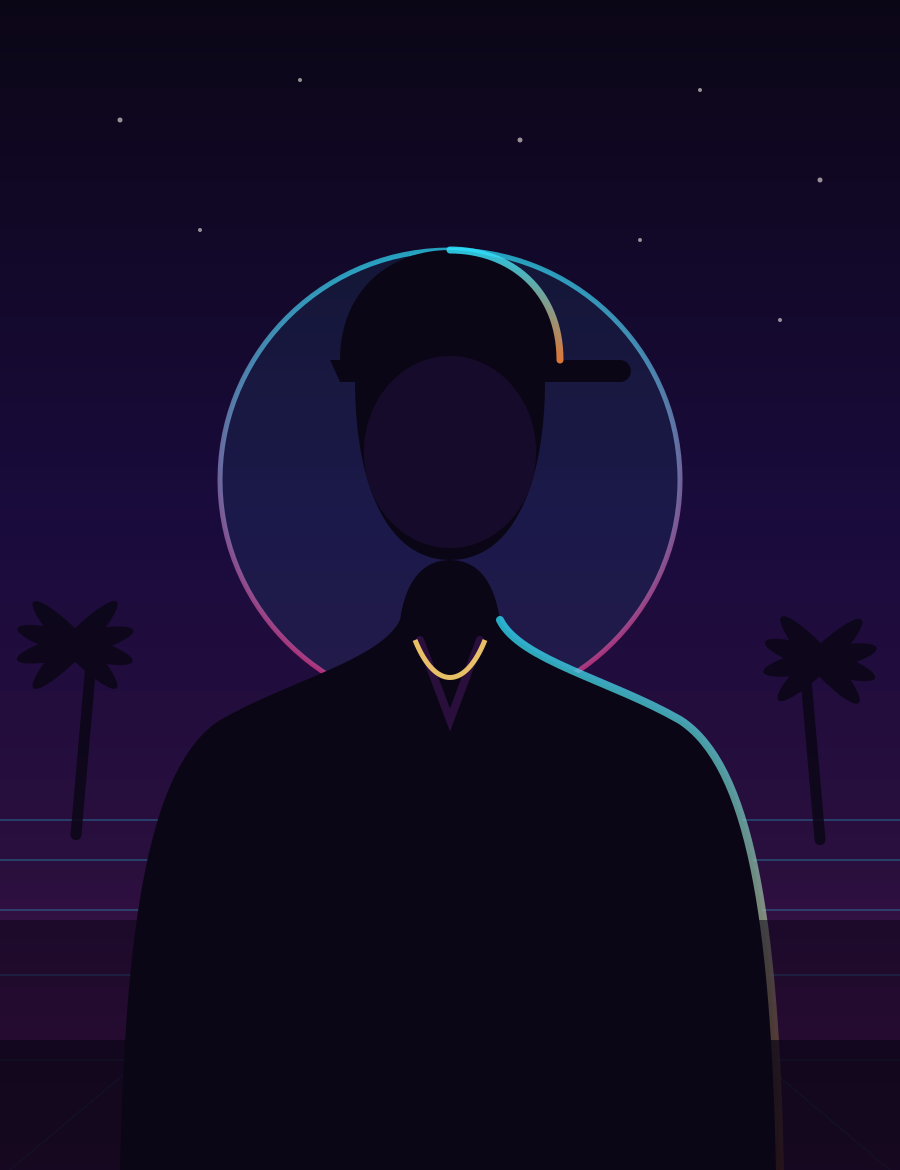
These are free, original Vice City-inspired wallpapers made by GTA6Loop — not official Rockstar art. Each one draws on the neon, sun-soaked look of GTA 6's Leonida without reusing Rockstar's copyrighted screenshots. Download any image below in desktop or phone size, no sign-up required, no watermarks.
Last updated: August 7, 2026
Quick Answer
- What these are: free, original Vice City-inspired wallpapers for desktop and phone, created by GTA6Loop — not Rockstar's official art.
- No watermarks, no sign-ups, no catch: click the download button on any wallpaper and it saves straight to your device.
- Official Rockstar art is never re-hosted here: for official key art, see our region guides, which credit Rockstar directly.
- Sizes: desktop wallpapers are landscape; the two poster pieces are portrait for phone screens.
Download the Wallpapers
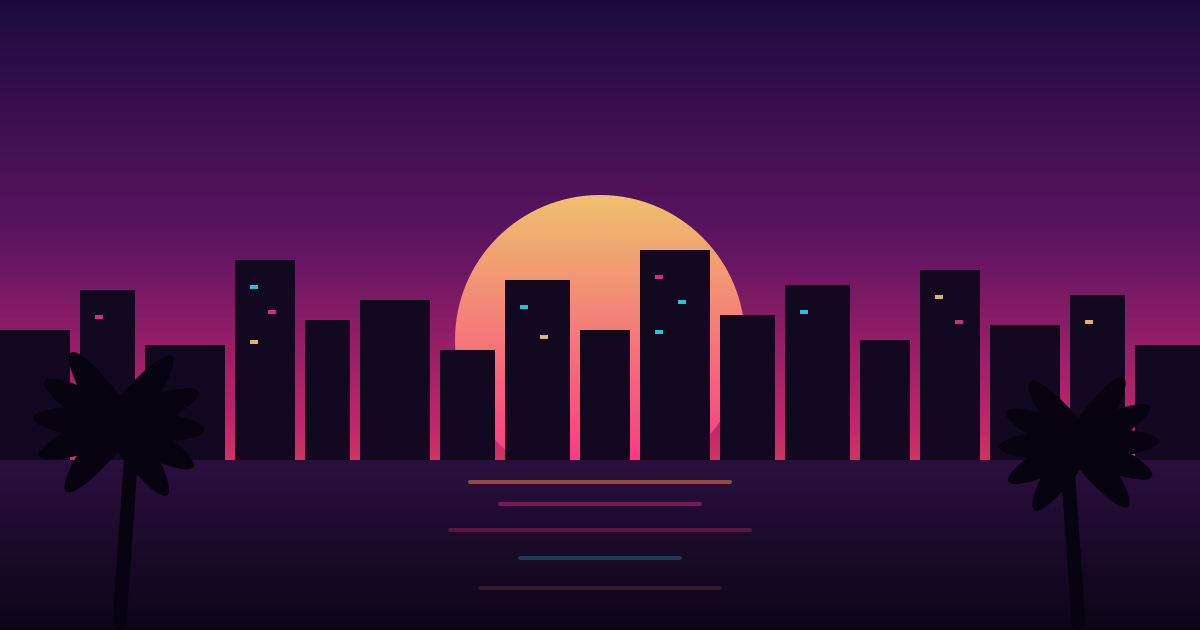
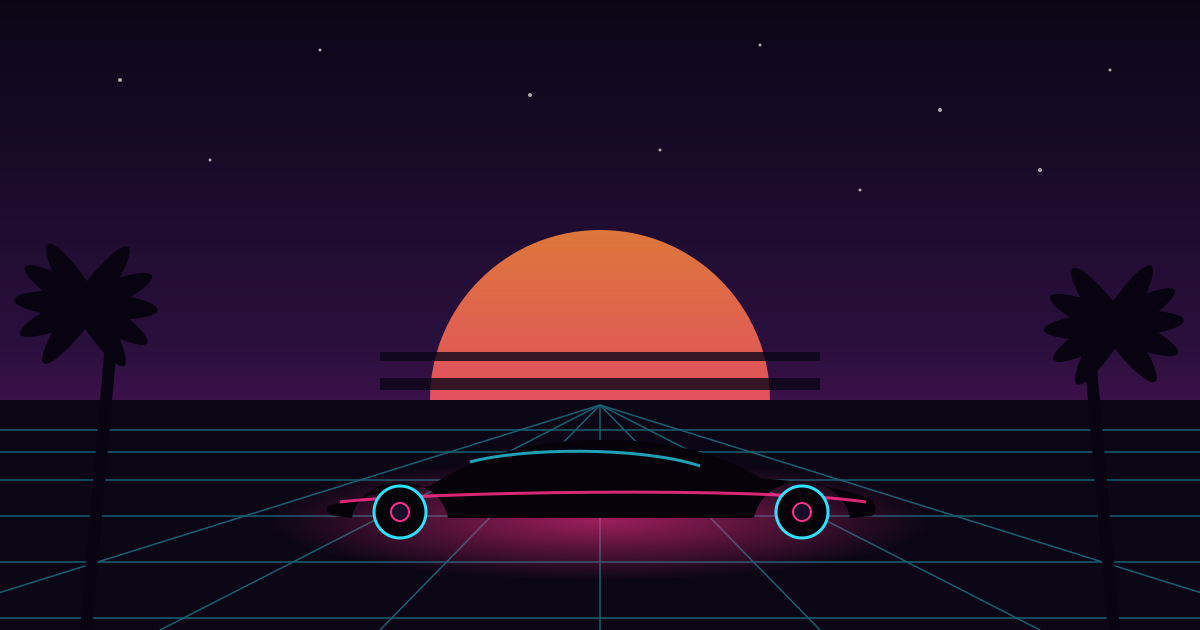
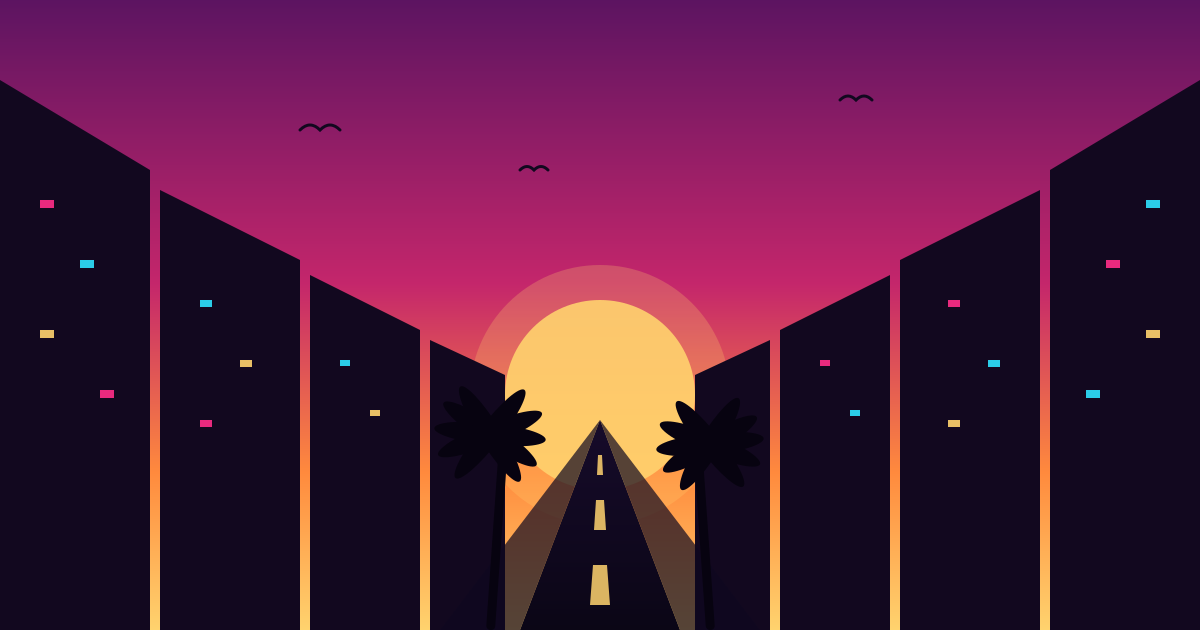
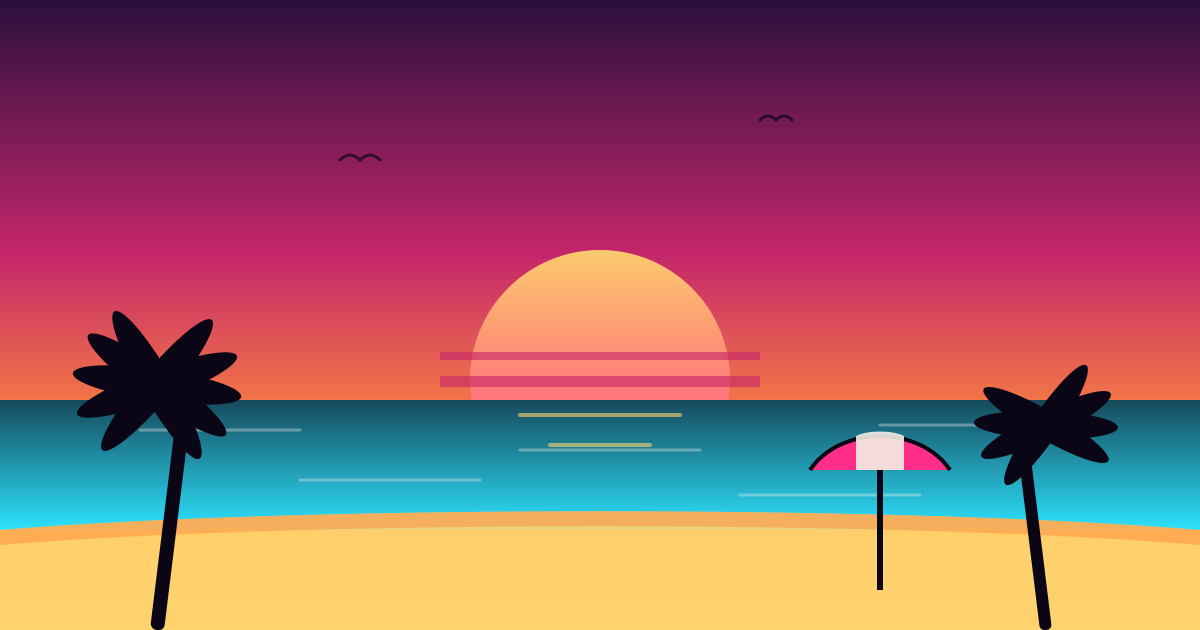
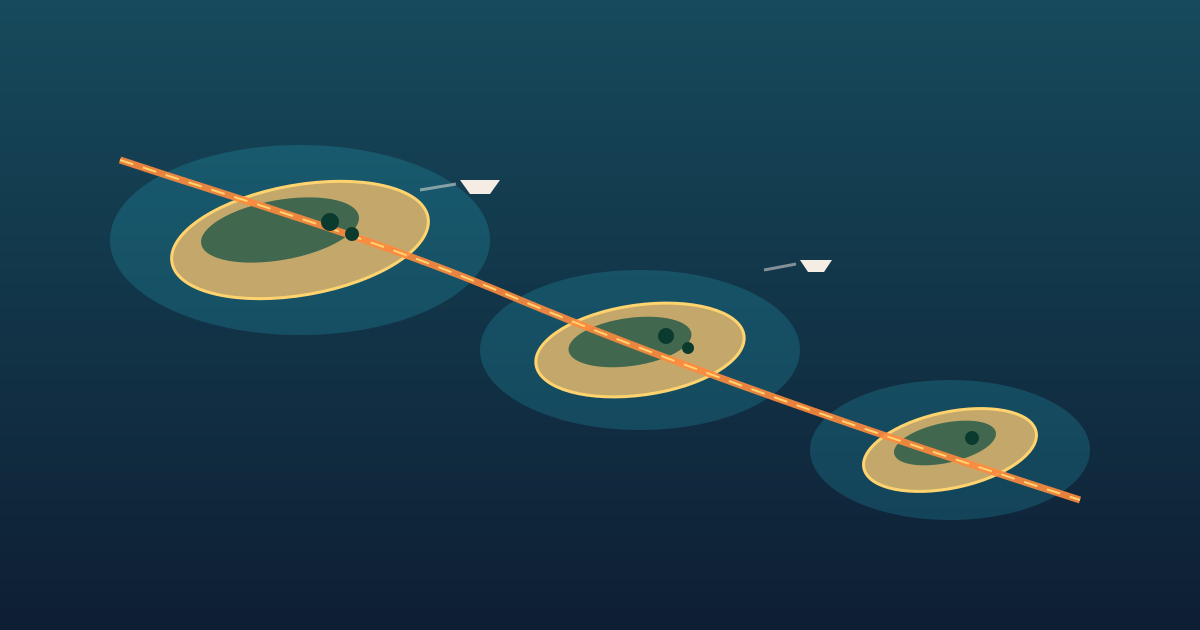 The Keys From AboveDesktop
An aerial view of the Leonida Keys, islands strung along the highway.
↓ Get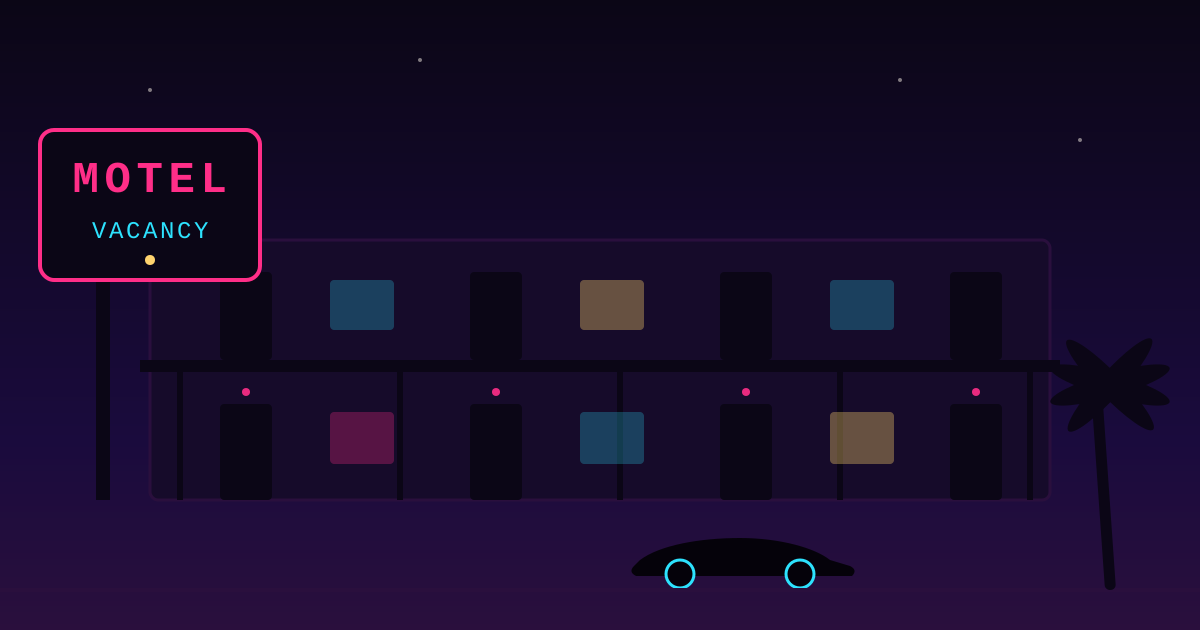
How to Set These as Your Wallpaper
- Desktop (Windows): right-click the downloaded image and choose "Set as desktop background".
- Desktop (Mac): open System Settings, go to Wallpaper, then choose the downloaded file.
- Phone (iOS or Android): save the image to your photos, then set it as your wallpaper from your device's display settings.
About These Wallpapers
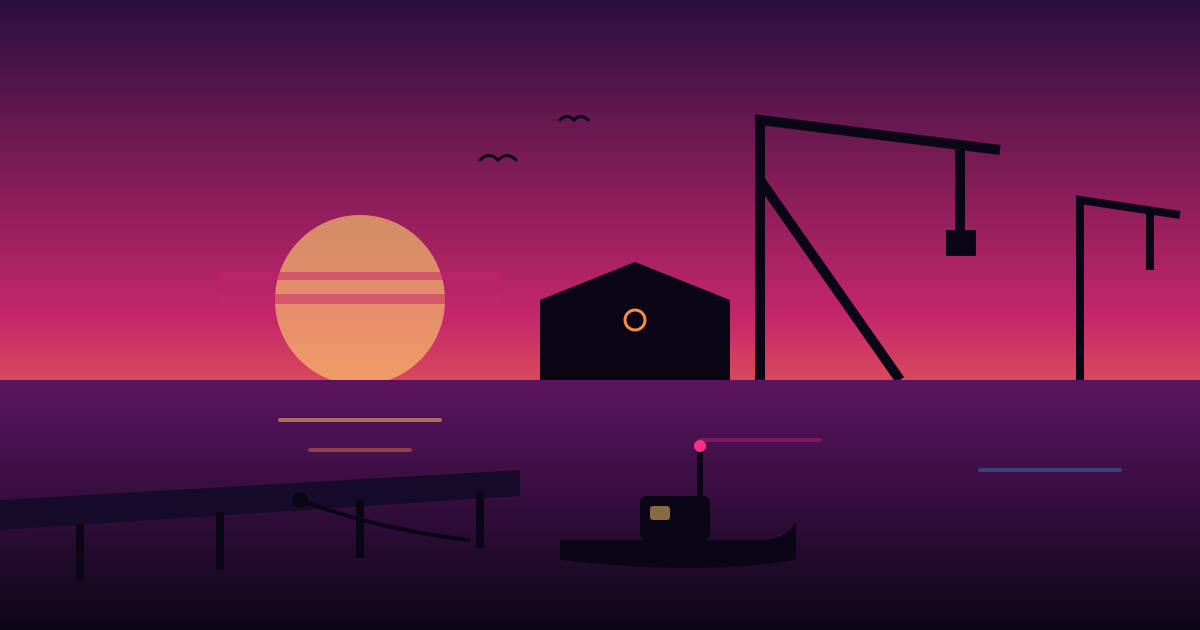
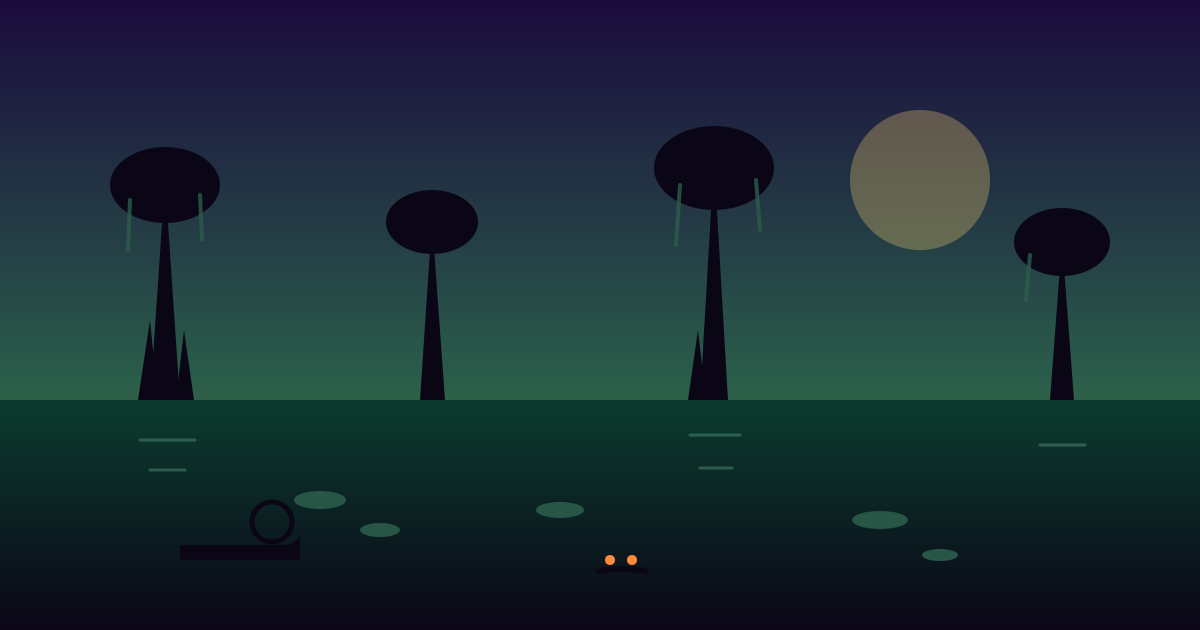
Each wallpaper is original artwork inspired by GTA 6's world — Vice City's neon skyline, the Leonida Keys coastline, and the game's confirmed protagonists — created as our own design work rather than extracted from Rockstar's game files or official media. They're vector art, so they stay sharp at any screen size.
If you're looking for official Rockstar screenshots and key art instead, check our region guides, like Vice City and Leonida Keys, which credit and link official Rockstar imagery directly.
Frequently Asked Questions
Are these official GTA 6 wallpapers?
No. These are original artwork made by GTA6Loop, inspired by GTA 6's world. We don't re-host Rockstar's copyrighted screenshots as wallpapers.
Are the wallpapers free?
Yes, completely free — no sign-up, no watermark, and no account needed. Click the download button on any wallpaper.
Can I use these on my phone?
Yes. The two poster pieces are portrait and sized for phone screens; they're marked "Phone" on the card.
Can I edit or repost these wallpapers?
They're free for personal use as your own wallpaper. If you repost them publicly, please credit GTA6Loop and link back to this page.